Your solar system needs a proper handover, including monitoring access
Keep the records, access and support details that make your system easier to understand, maintain and hand over.
A solar handover should leave you able to answer three ordinary questions: what equipment do I own, how do I see what it is doing, and who do I contact when something changes? A working system is easier to look after when those answers are written down.
This matters when the original installer changes staff, you move into a property with an existing installation, or another technician needs to help. You should be able to start the conversation with a useful record rather than a search through old messages.
Start with your own account
Ask for monitoring access tied to an email address you control and expect to keep. Check that you can sign in yourself, on your own device, before the handover is complete. An app already open on somebody else's phone does not establish that you have continuing access.
Victron's VRM manual distinguishes read-only User access, Technician access and Admin access. Admins can manage who else has access; Technician rights allow significant system actions. Ask the installer to explain which role you have and which roles the people supporting you need. The VRM getting-started guide explains these roles.
Keep your password and account recovery details private. Give a support provider access through the platform's user permissions, with the role appropriate to the job. Agree when temporary access should be reviewed. Use two-factor authentication where available.
Put the important records in one place
A simple folder is enough. Keep a copy you can find without relying on the person who installed the system. Include:
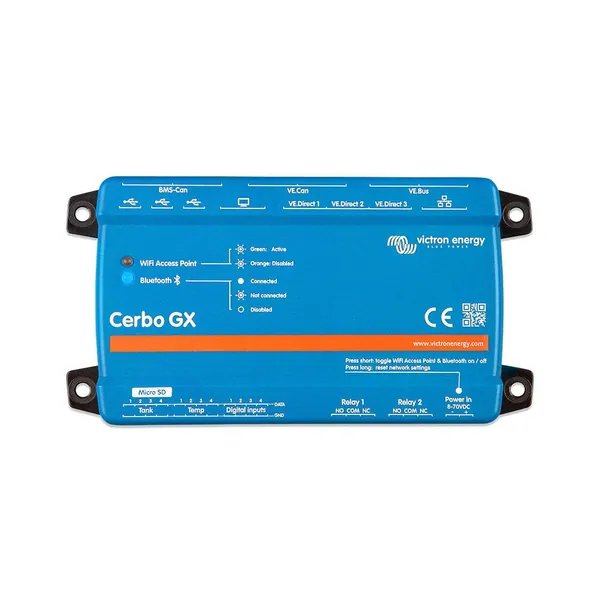
- Readable model and serial-number records for the inverter, batteries, solar chargers and monitoring device.
- The VRM Portal ID and the email addresses responsible for administering the installation.
- Purchase documents, commissioning records, the electrical documentation supplied for the installation and applicable warranty information.
- An equipment overview, relevant manuals and a clear explanation of which circuits are backed up.
- Installer and supplier contact details, plus a note explaining how to request support.
Photographs taken from a safe, accessible position can help identify equipment later. There is no reason to remove covers or reach behind live equipment to complete this folder. Ask the installer to record labels that are difficult to access.
Ask for a normal-day explanation
During handover, walk through a typical day with the person commissioning the system. What should you expect when the battery is charging, when the grid fails and when the battery reaches its configured reserve? Which large appliances are sensible to run together?
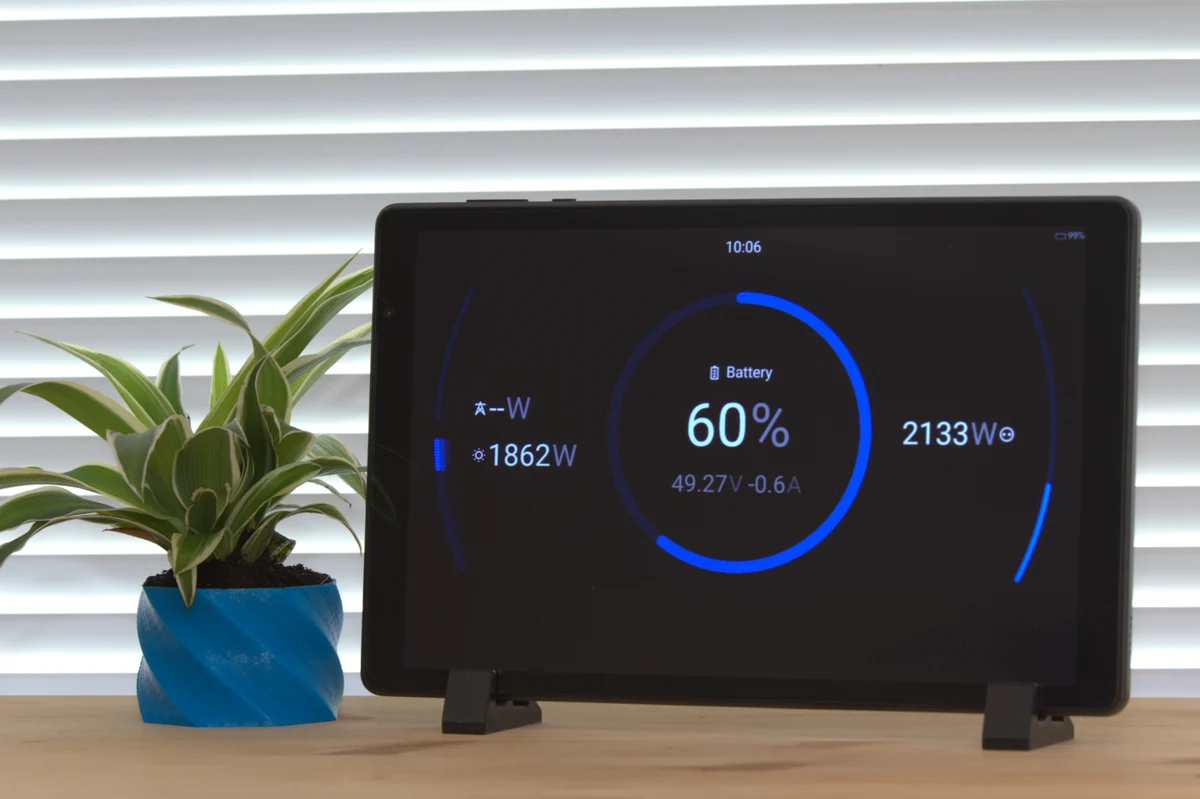
Keep a few dated screenshots from normal operation. They give a future support conversation a useful starting point: this is what the system usually did, and this is what has changed. Ask who receives alarms, who is expected to respond and whether monitoring is part of a separate service arrangement.
Having a dashboard available does not by itself mean a technician is watching it or providing a response service. Agree that responsibility explicitly, especially for a property that is often unattended.
If access is already missing
Gather your ownership documents and monitoring-device details, then contact the original installer or seller. Victron's VRM FAQ describes its administrator-change route, including proof of ownership and escalation when the original supply chain cannot be reached. Access recovery is a verification process; a photograph of equipment alone is not permission to take control of somebody else's site.
If you are buying a property, make monitoring access and records an item on the handover checklist before transfer. If you are changing service providers, arrange the permissions while both parties are available. That small piece of administration can make future maintenance much simpler.
Bring the information you already have to the conversation with our team. We can help identify the next question to resolve, whether that concerns equipment identification, a monitoring product or the appropriate support route.
Further reading from Victron
Technical guidance and manufacturer documents for the equipment and principles discussed here. Use the documentation for your exact model and system.