Battery full, sunshine everywhere. Why has solar output fallen?
A dip in the solar graph can be a sensible response to a full battery. Start by asking where the energy can go.
The sky is clear, the battery has reached 100%, and the solar number on your app suddenly falls. It is an understandable moment to wonder whether something has stopped working. Before treating the lower number as a fault, look at what the system has been asked to do.
Our starting question is simple: where can the energy go? Understanding that answer is more useful than comparing one midday reading with the panel rating on your quotation.
Sunshine is available. Demand determines what is useful.
A solar system has places to send energy: the appliances using it now, a battery that can accept charging, and, where permitted and configured, the grid. Once the battery needs very little charging, household demand may be the main remaining destination. With export restricted, reducing production can be the correct response.
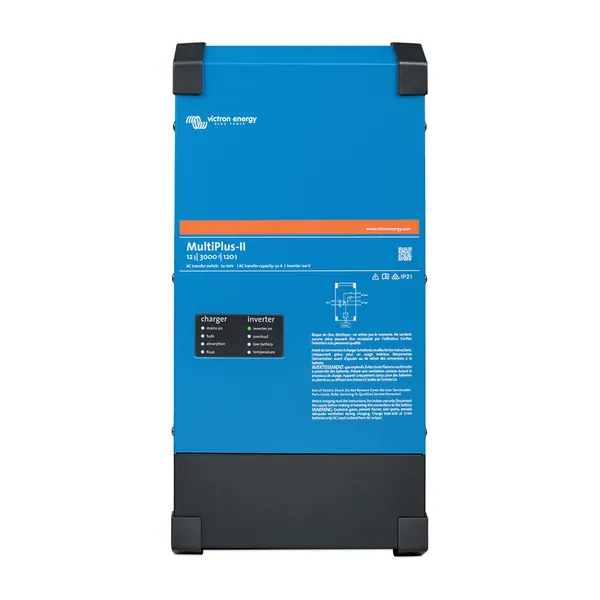
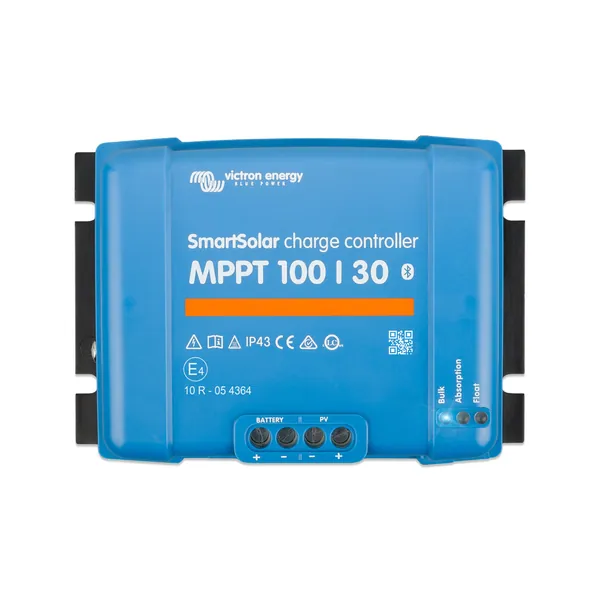
Victron's solar-charger guidance describes charging current reducing when a battery is full. Its ESS documentation also explains that grid export is controlled separately. The behaviour depends on the equipment, battery limits and the way the installation has been commissioned.
Think about a quiet house after everyone has left for work. The battery may have recovered from the previous night, while only background appliances remain on. There can be plenty of sunshine without a useful destination for all the power the panels could potentially produce.
Read the whole moment in the graph
A useful screenshot shows what happened together. Did the battery reach full charge just before production fell? Was household demand low? Was the site exporting? Did an alarm appear? One isolated solar figure leaves those questions unanswered.
- Record the time and the weather you could actually observe.
- Capture solar production, consumption, battery status and grid flow together, if your app provides them.
- Look at the period before the change, rather than cropping the graph to its lowest point.
- Note whether this is the usual daily pattern or something that has recently changed.
Check that the screen contains current data. An old reading from a disconnected site needs a different conversation. Screenshots are helpful evidence, but the quality of the explanation still depends on knowing when they were taken and what the system was doing.
A reassuring pattern still needs context
Lower production with a full battery and little demand is one explanation. Persistent low output while the battery needs charging, unexpected shutdowns, or new alarms deserve attention. A percentage on a screen cannot establish the condition of every component in the system.
Write down what has changed: recent work, a new operating schedule, unusually heavy use, a loss of connectivity or a different charging pattern. You do not need to decide which change caused the symptom. Giving the person investigating a clear timeline is enough.
Avoid changing charge settings or enabling export to make the graph look better. Export permission and protective settings belong to the installation's agreed design. There is also no need to switch on large appliances simply to test a theory for a screenshot.
Make better use of surplus only when there is a useful job
If this pattern occurs regularly, it may be worth reviewing when flexible tasks happen. Work that genuinely needs doing during the day can sometimes be scheduled around solar availability. Start with the household or business requirement, then ask whether the existing system can support that schedule.
Buying a larger battery is a separate decision. Consider what energy is needed after sunset, the frequency of the surplus, charging opportunities and the cost of the change. A bigger number on a chart is not, by itself, a reason to add equipment.
If the pattern remains unclear, send us the system model details and a complete screenshot with its timestamp. We can help establish which questions need answering before you spend money on a replacement or upgrade.
Further reading from Victron
Technical guidance and manufacturer documents for the equipment and principles discussed here. Use the documentation for your exact model and system.